

What can I do to make an older iPhone work better?
This question was answered on September 10, 2026.

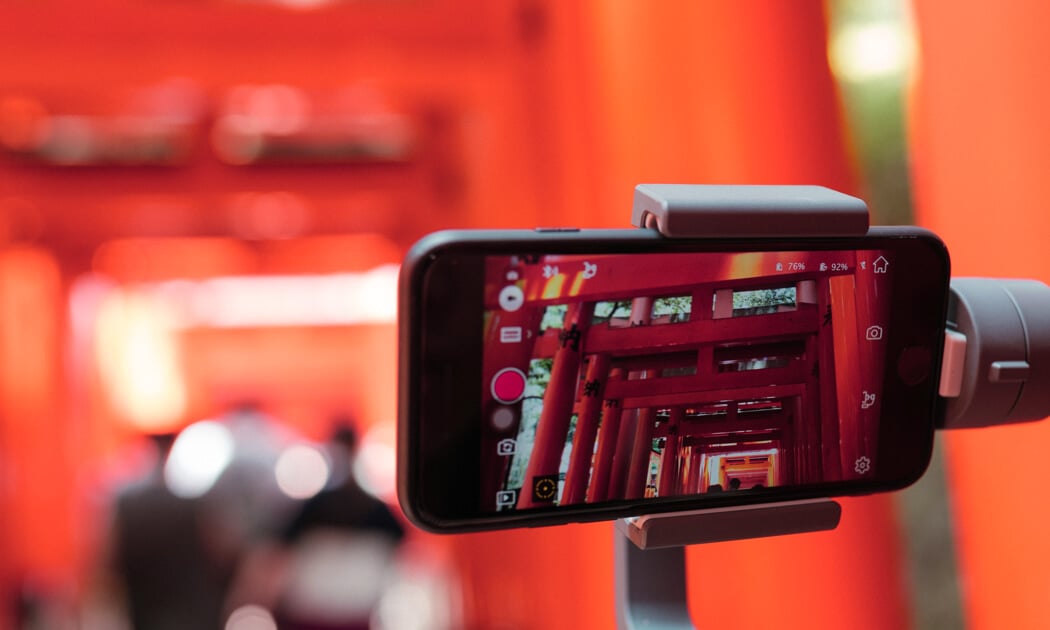
Photo by Christian Pérez on Unsplash
It's easy to assume a phone that's several years old is ready for retirement, but before spending the big bucks on a replacement, try these steps.
Check Your Battery
Start with the battery. Go to Settings > Battery > Battery Health & Charging and check Maximum Capacity. Lithium-ion batteries degrade with age, and a weakened battery can also throttle processor performance.
If you have AppleCare+, Apple replaces the battery at no charge once capacity drops below 80 percent. Without coverage, get an estimate through Apple's repair site or at an Apple store or authorized service provider.
Replacing a worn-out battery is one of the most cost-effective ways to extend the life of an old iPhone.
Find Battery Hogs
Go to Settings > Battery to see which apps draw the most power. Under Settings > General > Background App Refresh, rein in apps that don't need to stay active.
Check Your Storage
Under Settings > General > iPhone Storage, look for old downloads, large message attachments and forgotten apps. Tap Offload Unused Apps to remove app software while preserving user data.
Safari’s cache could also be taking a surprising amount of storage space. To check its size, go to Settings > Safari > Advanced > Website Data. At the top, you'll see a Total Size figure along with a list of individual websites ranked by how much storage they're consuming. Just remember, clearing cached website data may require you to sign back in to some sites.
Don't confuse your iPhone's storage with your iCloud storage. Check Settings > [Your Name] > iCloud as well. If your iCloud storage is full, backups and other information may stop syncing properly, so clear some space or increase your storage if necessary.
Quick Speed Boost
Go to Settings > Accessibility > Motion and toggle on Reduce Motion. Disabling fancy screen transitions reduces GPU workload and can make navigating older hardware feel noticeably snappier.
Keep iOS Current
Apple's iOS 27 arrives September 14 and supports every iPhone back to the iPhone 11 and second-generation iPhone SE, so some phones introduced six years ago can still run Apple's latest operating system. Support doesn't mean you get every new feature, however. Apple Intelligence and the new Siri AI require an iPhone 15 Pro or Pro Max, or an iPhone 16 or newer. An iPhone 11 through 14 can run iOS 27 but won't gain the AI features getting much of the attention.
Eventually, older devices stop receiving major iOS upgrades, and app compatibility becomes the real issue. App developers set minimum system requirements, so important apps may eventually require a version your phone cannot install. In general, once an iPhone reaches six to eight years old, pay close attention to security updates and app support.
When It's Time
A worn battery or lack of storage aren’t a reason to replace your phone, but when you face multiple physical repairs, essential apps no longer function, or security updates cease, replacement becomes easier to justify.
Check trade-in values first, as older iPhones often retain enough value to somewhat offset your upgrade cost. Until then, a replacement battery and digital housekeeping remain considerably cheaper than Apple's latest shiny object.
Like these tips? Get more Data Doctors advice in your Google results.
About the author
 Ken Colburn of Data Doctors on September 10, 2026
Need Help with this Issue?
We help people with technology! It's what we do.
Contact or Schedule an Appointment with a location for help!
Free Help
Articles & Advice
Video News
Newsletter
Approved Software
Ask a Question
Categories
Hardware Tips & TricksComputer Repair by Manufacturer